Welcome to PriceTag
Your step-by-step guide to mastering automated price tracking.
📌 How to Track a Product
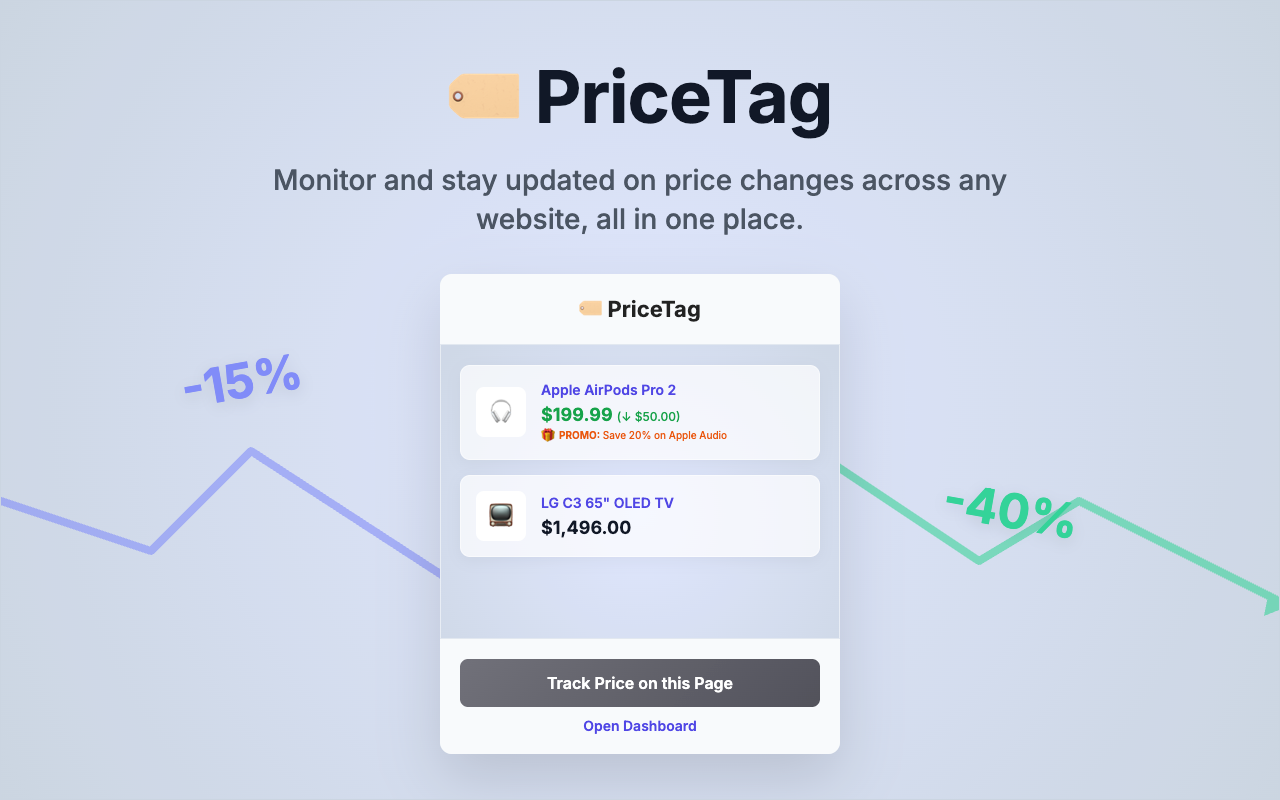
- Open any product web page (Amazon, Walmart, BestBuy, etc.).
- Click the 🏷️ PriceTag extension icon in your browser toolbar.
- Click the Track Price on this Page button.
- Move your mouse over the specific price text on the screen. It will highlight in an intelligent blue box.
- Click the price! The extension will confirm the text it found and begin monitoring your item hourly.
📊 How to View Tracked Products
- Click the extension icon at the top of your browser.
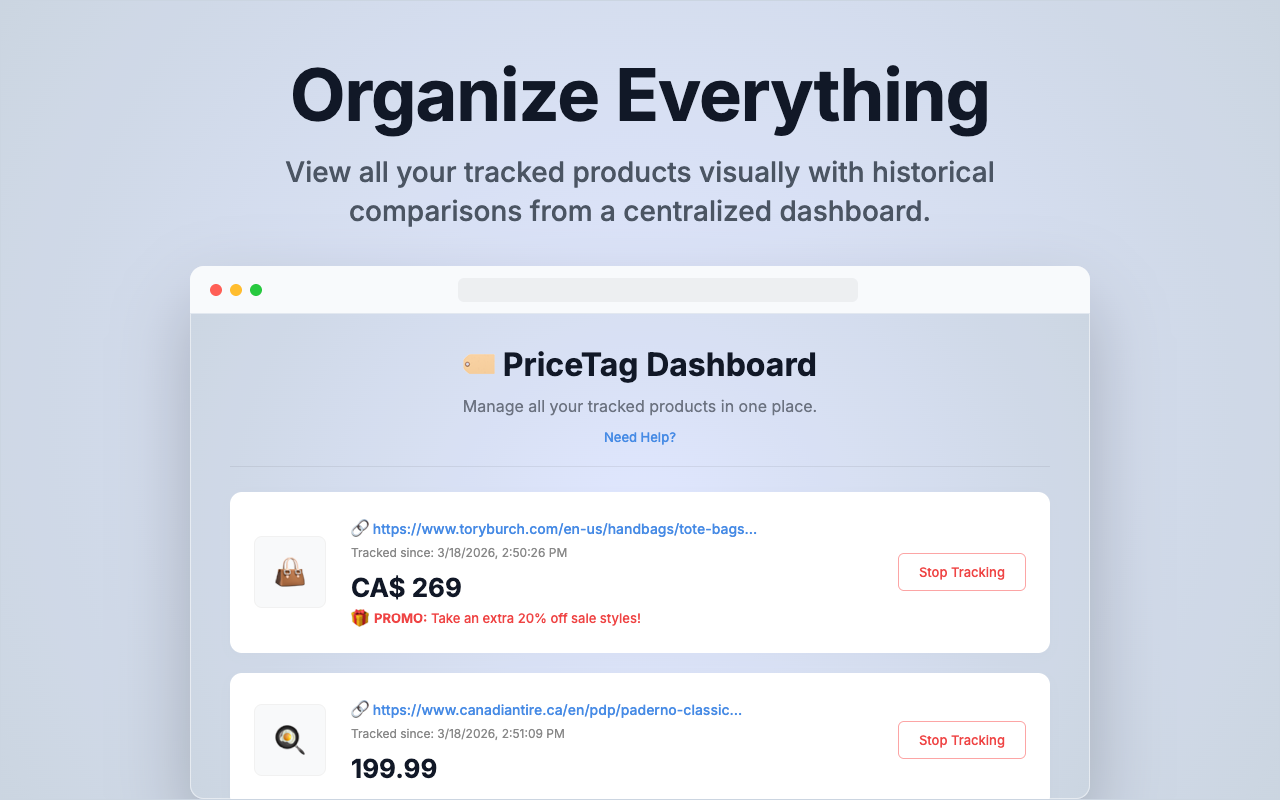
- Select the Open Dashboard button.
- Your dashboard shows all your currently watched items, their original tracked prices, product thumbnails, and links back to the stores.
📧 Email Notifications
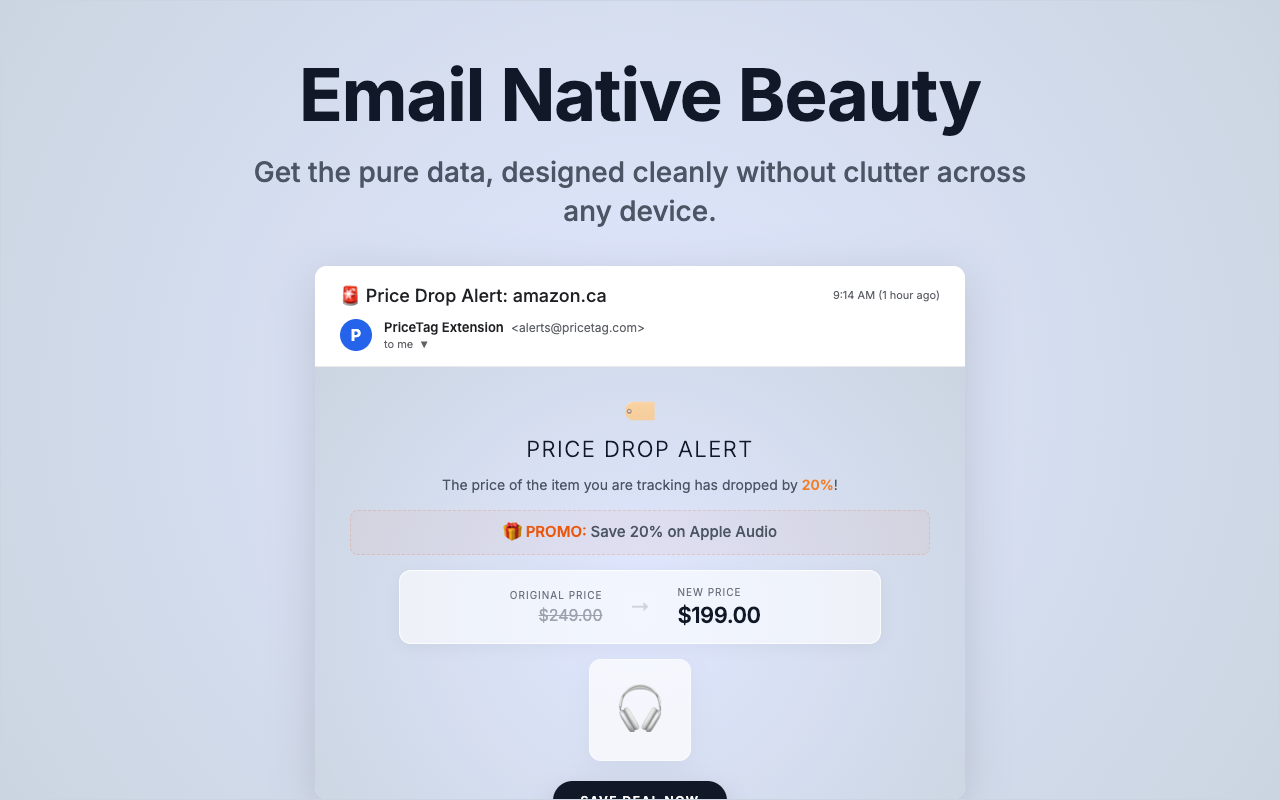
Never miss a deal with our detailed HTML email alerts. When a price drops, you'll instantly receive an email containing the new price, a product thumbnail, and a direct link to purchase before the deal expires.
🔔 Smart In-Browser Alerts
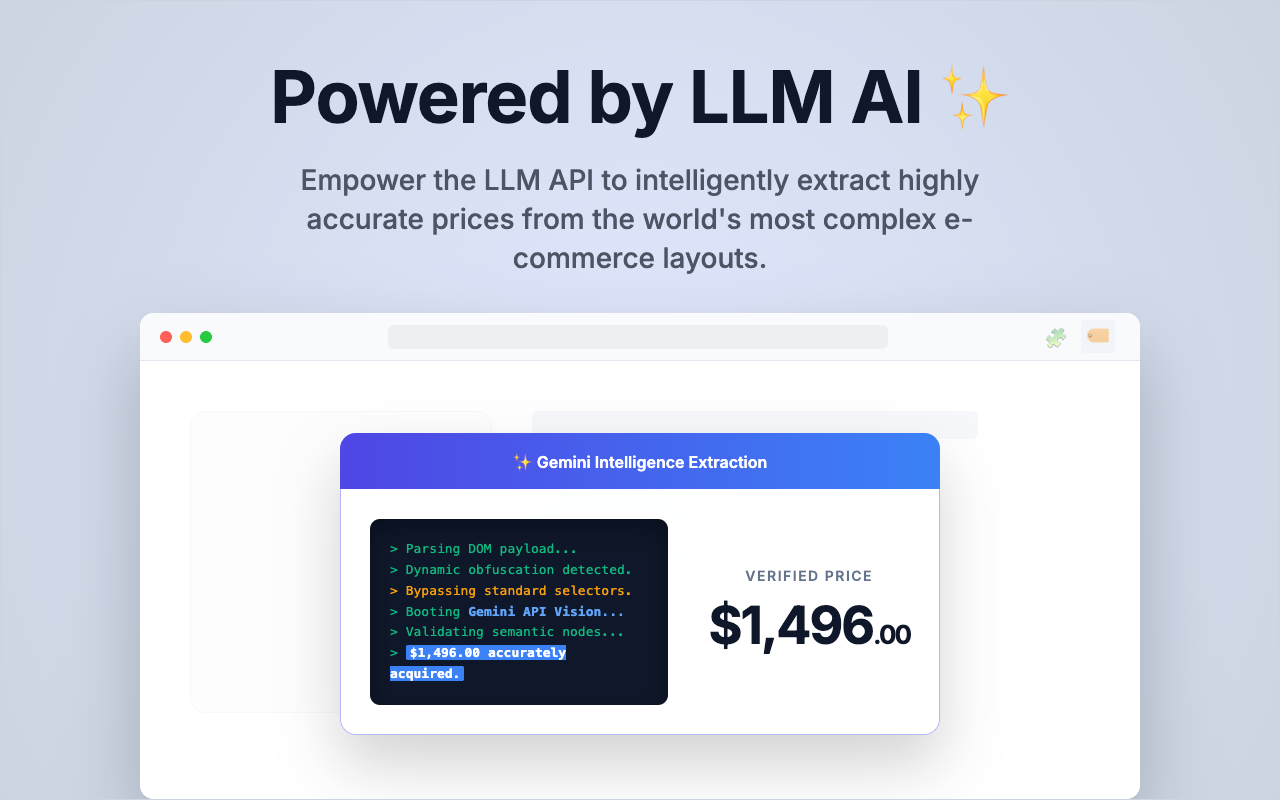
Powered by the advanced LLM AI model, PriceTag guarantees incredibly accurate price detection—even on the most complex retail websites. If our smart tracker detects a price drop while you're browsing, a sleek notification banner will appear directly in your active tab to ensure you never miss a deal!
Still running into issues? We're here to help.
Contact Support